
Revival and Reformation
This is the year. The year of Revival and Reformation.
In a day and age where anything goes, we need the Bible more than ever! In a time where post modernism says that there is no absolute truth, we need to find the truth in the Bible.
The cry of the Reformation was “Sola Scriptura.” Martin Luther began the protestant movement because he saw corruption in the church. He wanted the Bible to be held up as the only infallible source for Truth and Truth to be held up instead of Tradition. What has happened to our churches? Mainstream protestant churches today have forgotten their roots. Instead of proclaiming truth and being proud of their doctrines, churches today are seeking a more eucheminical atmosphere in their communities and around the world.
There is only one truth. God’s Truth. We don’t want to be like “children, tossed to and fro, and carried about with every wind of doctrine, by the sleight of men, and cunning craftiness, whereby they lie in wait to deceive.” Eph. 4:14. As followers of Christ it is our duty is to “fear God, and keep his commandments.” Eccl. 12:13. And as followers of Christ it should be our desire to be his disciple. Luke 6:40 tells us that “The disciple is not above his master: but every one that is perfect shall be [like] his master.” We are to be like Christ. Not sort of like Christ. Not a little like Christ or partly like Christ or like Christ when we are at church. We are to seek Him out, study Him, be like Him.
We need a radical change in our own hearts. We need a revival – a commitment to reading God’s Word, to developing our relationship with Christ, and a conversion of our spirits.
I am so excited to see people standing up for what they believe. As individuals we need to reject mediocrity when it comes to our faith. We need to know what we believe and why we believe it. We need to be Bereans and search the Scriptures for what is true. Amen?
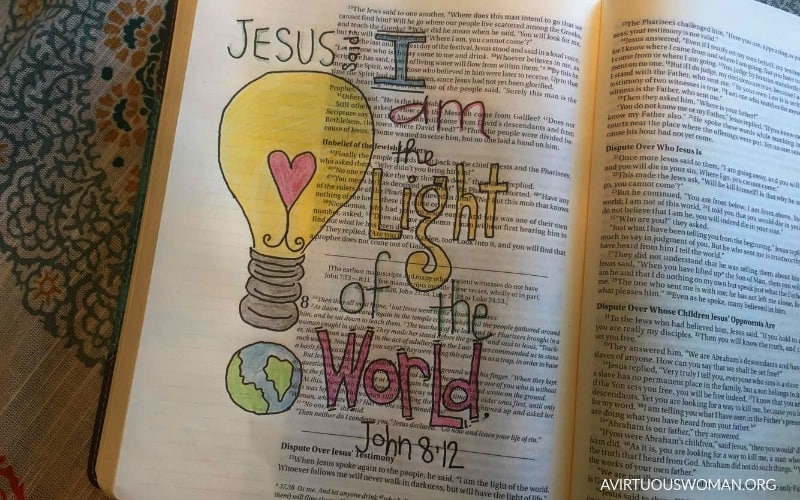
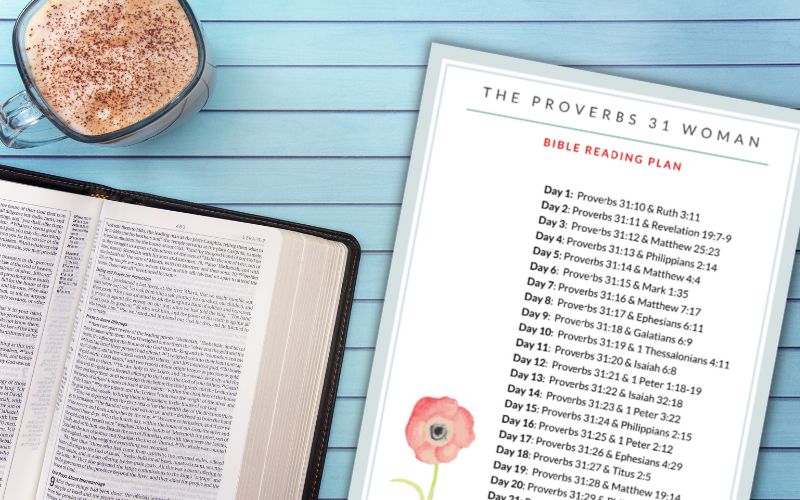
Here’s a couple of images you can use on your own blog or pin to Pinterest or Facebook. I appreciate your support!




3 Comments